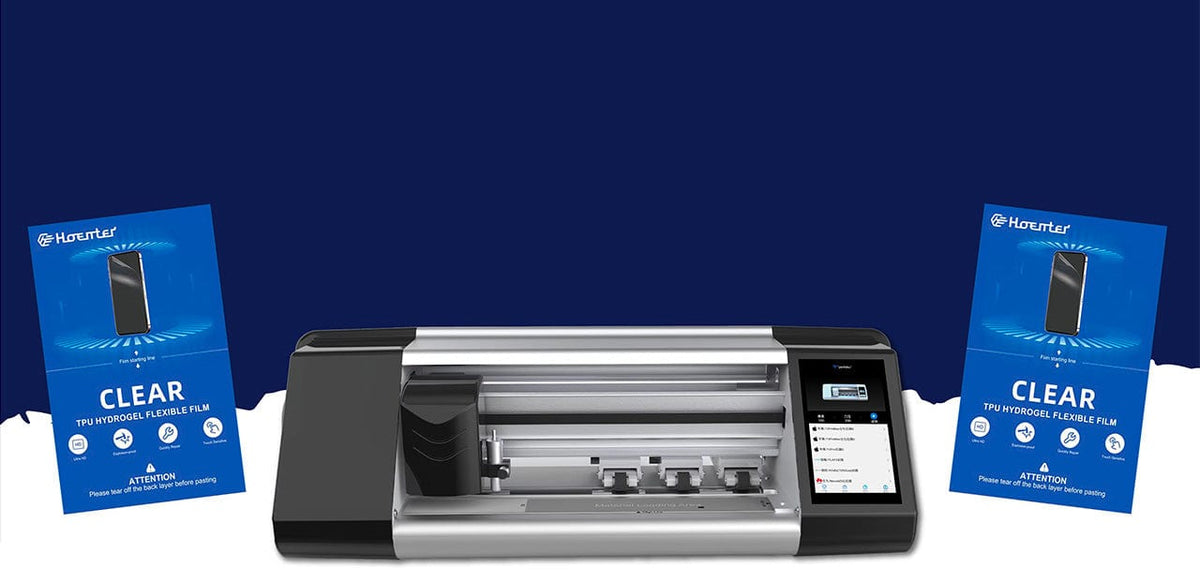
What is hydrogel?
Hydrogel is a material composed primarily of water (up to 90% or more) trapped within a polymer structure. It is a type of solid, flexible, and elastic gel, capable of retaining a large amount of liquid without dissolving.
In the context of screen protectors, hydrogel is used in the form of a flexible film that perfectly conforms to the surface (even curved), protects against scratches, and can partially self-repair.
Why choose hydrogel?
- Flexibility: adapts perfectly to both flat and curved screens, without leaving any exposed edges.
- Self-regeneration: small superficial scratches disappear after a few hours.
- Touch compatibility: maintains excellent sensitivity, including with under-display fingerprint readers.
- Discretion: ultra-thin and virtually invisible, it preserves the original design of the smartphone.
- More forgiving installation: even if small bubbles appear, they tend to disappear on their own.
Hydrogel screen protectors are increasingly popular thanks to their flexibility, their ability to heal after minor scratches, and their compatibility with curved screens. However, proper application is essential to reap all these benefits. Here's a step-by-step guide to successfully installing your hydrogel film.
Prepare your workspace and equipment, and clean the screen
Before you begin, make sure you have:
- A clean and well-lit surface
- A microfibre cloth for cleaning the screen
- An alcohol wipe (if provided)
- A squeegee or flexible plastic card
- The hydrogel film suitable for your device
- Once the equipment is prepared, you need to clean the phone screen by following these tips:
- Remove the phone case
- Wipe the screen with the alcohol wipe to remove any traces of grease or dirt.
- Wipe with the microfibre cloth to dry the screen and make it shine.
- Check that no dust remains, especially on the edges and corners.
- Use tape to remove stubborn dust.
Installation and cleaning tips
If the wipe is dry, you can moisten it with a drop of water.
Work in a dust-free area away from draughts so that no dust settles on the phone screen after you have cleaned it with the microfibre cloth.
Prepare the hydrogel film and position it
- Remove the hydrogel film from its packaging.
- Identify the sides: the adhesive side (to be placed on the screen) and the outer side.
- Avoid touching the adhesive side with your fingers to prevent marks and bubbles.
- Place the film over the screen and gently lay it down without pressing. A slightly adhesive layer helps you position the protector on the screen. You can reposition the protector several times if you handle it carefully.
- Once aligned, press down in the centre of the screen, peel the backing back to the centre with one hand and take a squeegee to start applying the film.
- Use the squeegee to gently unroll the film and adhere it to the screen. Once the first half is in place, repeat the process on the other half.
- Once the gel covers the whole screen, push the bubbles out towards the sides.
- Make sure the film is firmly stuck down on all edges.
- Test the touchscreen and fingerprint sensor to check compatibility
- Let the film settle for a few hours before using accessories such as hard cases.
Hydrogel film maintenance
- Clean the screen regularly with a damp microfibre cloth
- Avoid using overly aggressive chemicals
Applying a hydrogel film is simple, but requires precision and patience. Proper preparation and thorough cleaning are essential to avoid bubbles and dust. With correct application, your screen will be protected, clear, and aesthetically pleasing for a long time.
Looking to buy a hydrogel film cutter? We recommend our intuitive and easy-to-use cutter!
You can also watch our dedicated video on using the machine and applying hydrogel.